FundedLot for iPhone & Android
Signals sized to your account and your firm's rules, a 1:1 mentor and an AI coach. Free to start; FundedLot Mentorship is in the app.
On a phone, your own store comes first. Sharing it? fundedlot.com/get opens the right store on any phone.
Free from the first tap
No card. Practice challenges on virtual funds, the public AI signal record and the lessons are free for good.
Built for phones
One-hand order tickets, live rule meters, and a chart that stays readable at 6am on a train. iPhone, Android phones and Android tablets.
You place your own trades
The app never connects to your trading account and never trades for you. It sizes each signal; you decide.
Your plan is waiting in the app
Saved your plan on fundedlot.com? It is already in your account. Here is where to find it.
- Install FundedLot from the App Store or Google Play.
- Sign in with the same email you used on the website.
- Open the Mentor tab. As a member, the Your plan card shows your account size, firm, phase, platform and rules. Tap Edit to change them.
- Every signal in the app now arrives with the lot size for that plan.
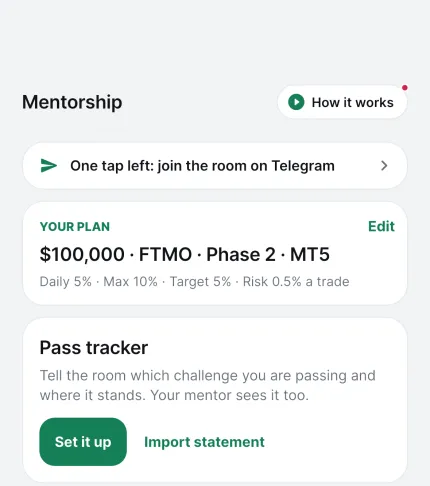
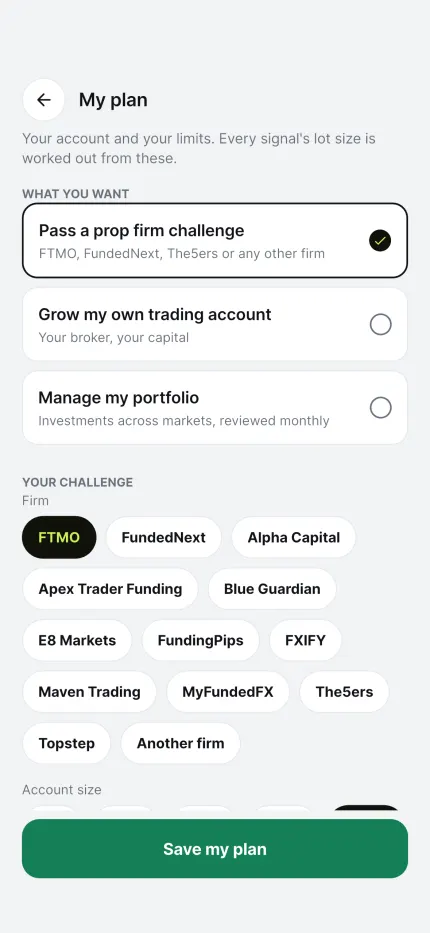
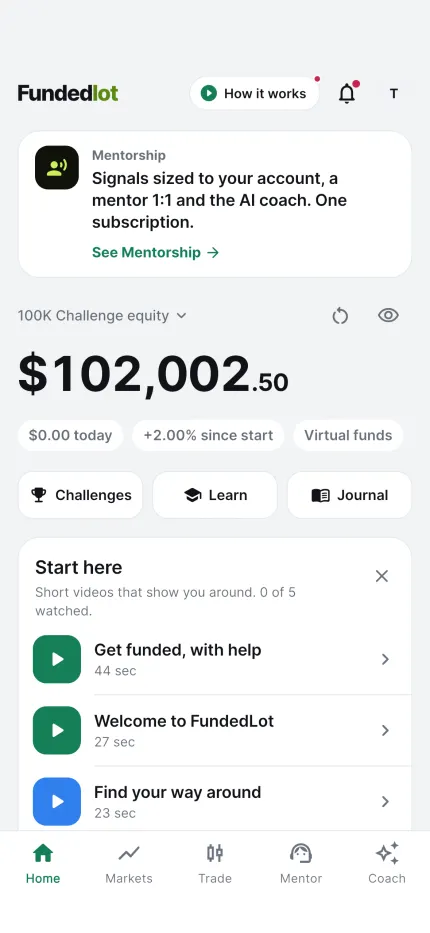
Real screenshots from the app, shown with a sample plan.
Arrive already knowing the rules
Twenty minutes of reading now saves an attempt later.
 Guides
What is a prop firm challenge?
The evaluation model end to end: phases, rules, fees, and what happens after a pass.
 Guides
Prop firm rules explained
Targets, daily loss, drawdown variants and minimum days — with the arithmetic.
 Risk
Risk management that survives the rules
A sizing system built around the daily loss limit instead of against it.